
Last week I updated some functionality in my repo’s codebase, with my iPhone, while drinking beer, in the jacuzzi. It was glorious. With a simple-to-setup environment you can code from anywhere and keep your AI on track—whether you’re walking your dog or using the bathroom.
Here’s how:
Step 1: Set Up a VPN with Meshnet on your Laptop and Phone
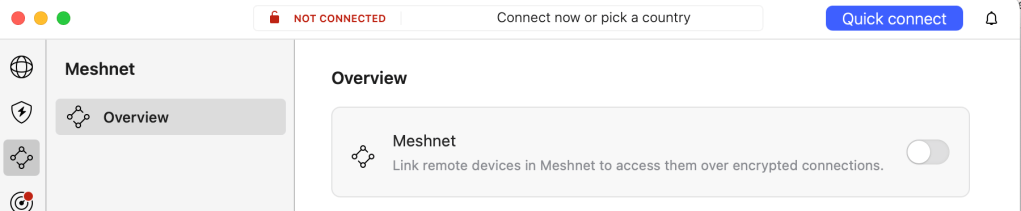
Not only is having a Virtual Private Network running on your devices good practice for privacy and security, but NordVPN comes with a free Meshnet feature. Meshnet lets your devices securely talk to each other from anywhere in the world—no complex setup, no extra cost.
To get started, turn on Meshnet on your laptop or desktop.
Step 2: Install a Remote Desktop App
Download a remote desktop app that lets you connect to a specific IP or device. I use Screens (a one-time $3.99 purchase – https://apps.apple.com/us/app/screens-5-vnc-remote-desktop/id1663047912). It’s been the most reliable one I’ve used so far. I tried a few free options first, but the $4 was well worth it. It works with multiple screens—I have 4 monitors on my office setup and all display perfectly in Screens.
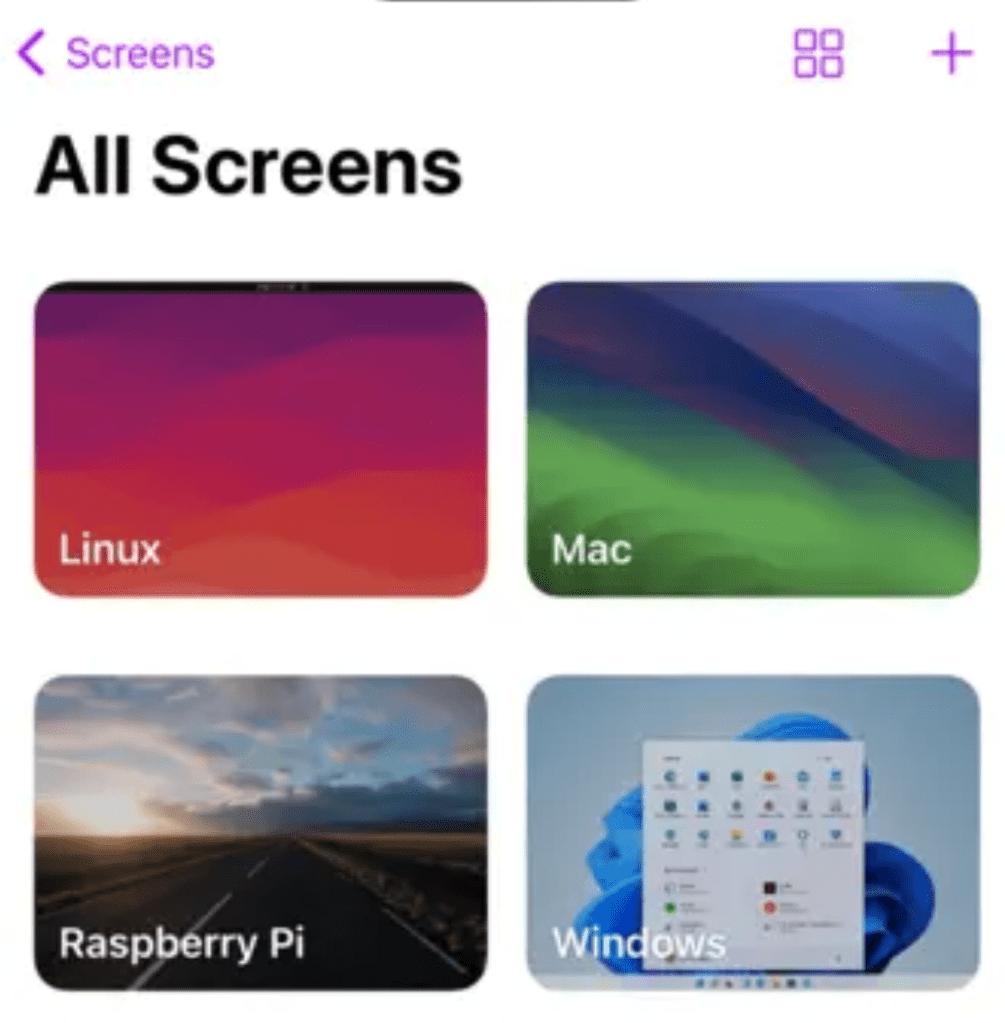
Once connected, I can launch my code editor, type my objective, and guide the AI, all from my phone. I occasionally have to click “accept” or “continue,” but I rarely need to go back to my computer.
Being able to multitask at my desk has been amazing, but making real progress while living my life away from the desk is game-changing.
 Sean Shadmand