
I wanted to experiment with animating a logo using agents I already had. The results surprised me. I’m glad I stuck with it, and I hope sharing the process saves you some time.
I’m not an animator, but I’ve been interested in animation for a long time. In school, video editing classes brought together my love of art, expression, and cartoons. I was fascinated by stories about how Disney and its animators thought. I made things using tools like Flash, Maya, Blender, and Final Cut. I learned that a bouncing ball is more than a ball moving up and down. Animating it meant understanding speed changes through easing and how mass affects the way a shape moves, squishes along both axes, and springs back.
Purpose built animation apps
I started by trying third-party tools that promised to make animating a logo easy. I tried Adobe, Canva, and even apps built specifically for logo animation. They were all unimpressive. At best, they added a shake or an expansion, but the motion had no character. It felt like AI’s equivalent of PowerPoint clip art. I had little control over how the animations could make use of my logo’s unique qualities. Even Lottie, a first-class web animation tool, didn’t offer a way to upload my logo and create a timeline animation for me.
Open AI
Next, I tried ChatGPT. I’d seen it do impressive things with image generation and art, so I started with a process that had worked well for me when brainstorming image ideas: a storyboard grid. You can read more about that here.
I asked for a 5-by-5 grid, with each row showing a different animation and each cell representing a keyframe: an important pose or moment in the movement.
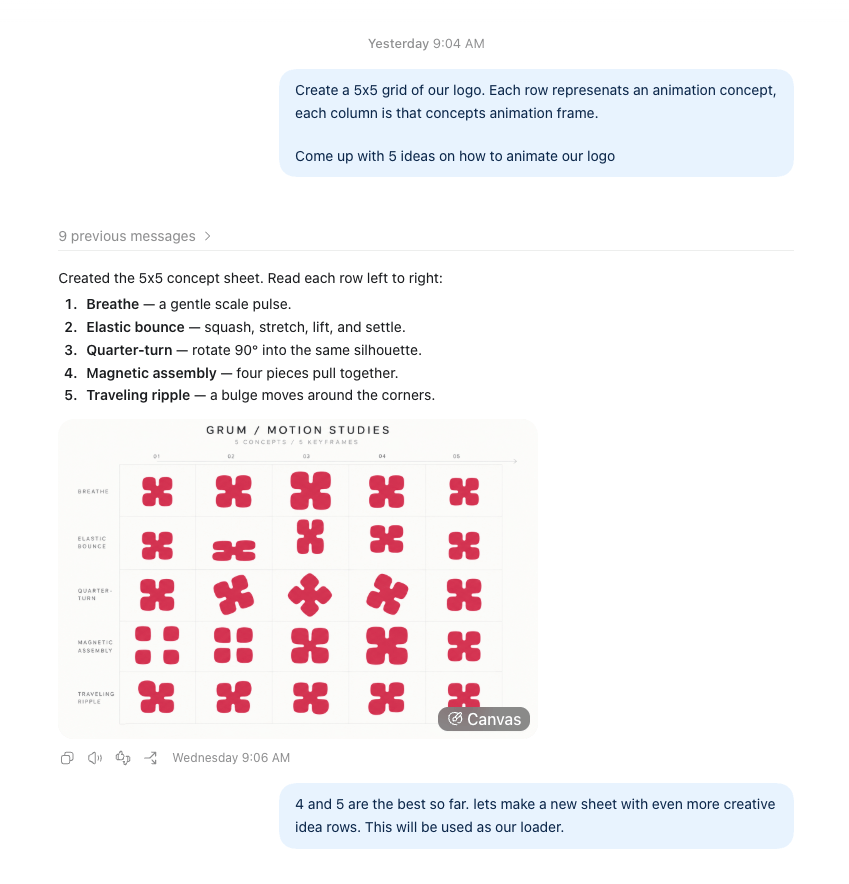
The idea showed promise. After a few experiments, I picked my favorite animation to develop.
From there, things went downhill. GPT produced animations that bore little resemblance to the storyboard. I tried different instructions and output formats, including GIF, SVG, and Lottie. It felt like it would take a lot more turns and tokens to get to something worth celebrating.
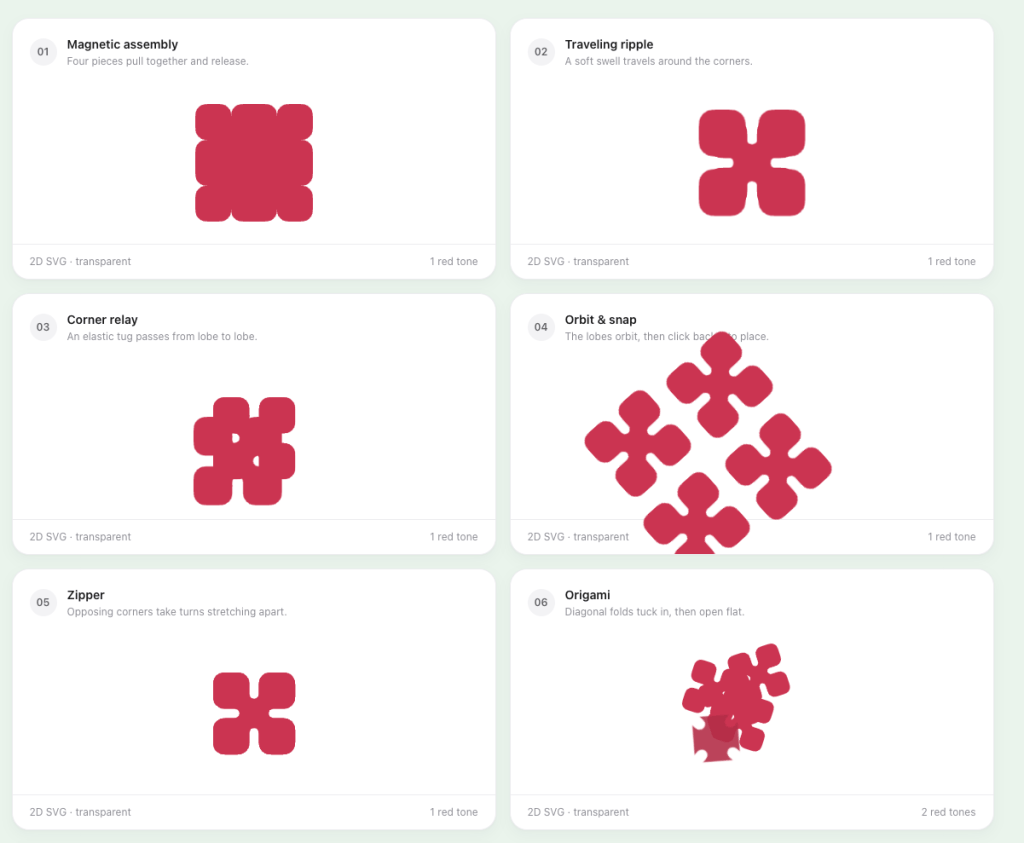
Give up or fight on
I subscribe to several AI tools because one of them may have a feature that works especially well for a particular task. I use Cursor, Grok, Claude, and OpenAI regularly. That day, after getting nowhere with the third-party tools and OpenAI, I gave Claude a try. A few weeks earlier, it had handled a tricky image request in one turn, while the others took several tries and still didn’t produce anything usable.
Claude
Claude’s first animation attempt was far better than the others. It decided on its own to use animated SVGs, and it worked. It was a unique animation made for my logo. It wasn’t ready to use, but it gave me hope. If it could get that close from a loose prompt, maybe it was worth giving it more time.
During the earlier attempts, I’d started describing parts of the logo as if they belonged to a character: “The top two nodes are hands, and the bottom two are feet. Change the right hand like this.” Then I imagined the logo getting bored from sitting in a website header all day. It might slouch, nod off, or let out a big yawn, so I asked for a yawn animation. Here it is as an animated GIF.

Here are a few tricks I learned to take the animations further with less pain.
Storyboarding
Don’t just create a storyboard to guide the animation. Ask for one with each generated version. With the storyboard, I could point to a specific frame and annotate the change I wanted. For example, I wanted the logo’s “hands” to reach farther out and shake in frames 32 and 33.
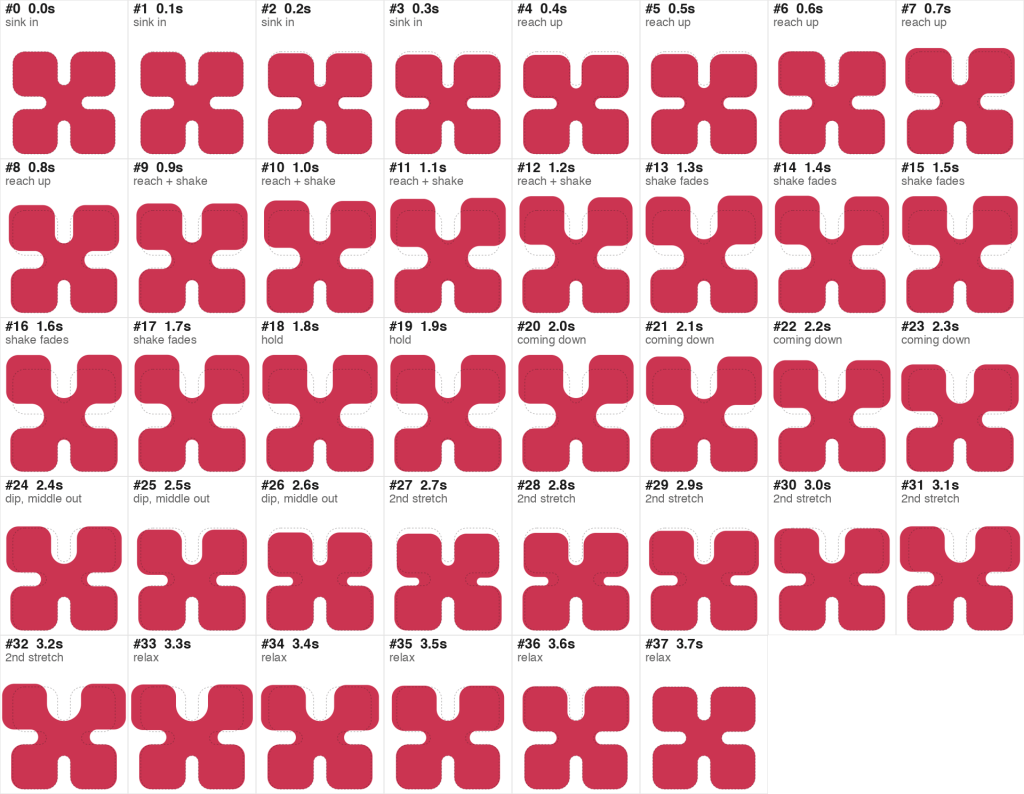
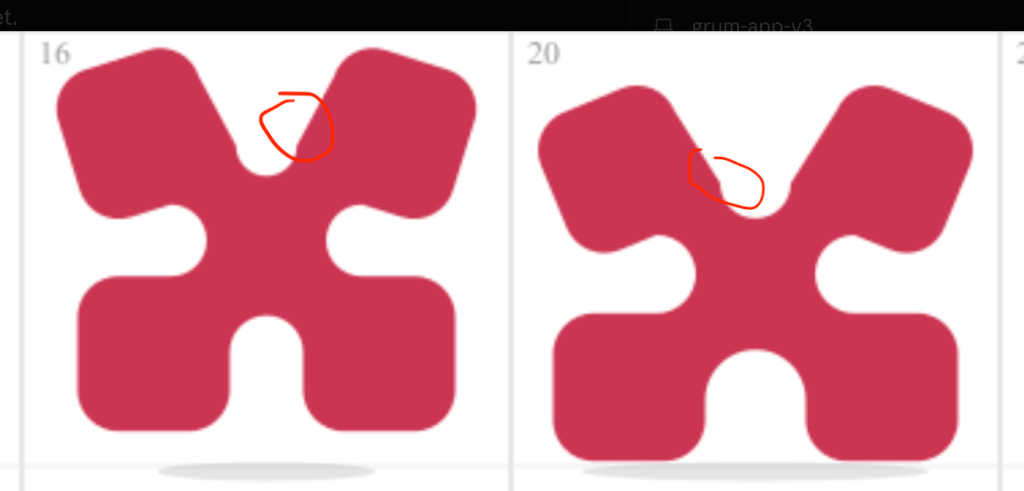
It also let me fix small details that would have been hard to specify. I noticed a tiny bulge between a node and its stem. I could target the frame and circle the bump so Claude could fix it. It used that feedback well, resolving the issue without regression or confusion.
Use reference material
When I watched behind-the-scenes footage of Disney animators, I loved seeing how they studied animals in their environment and asked actors to perform for them.
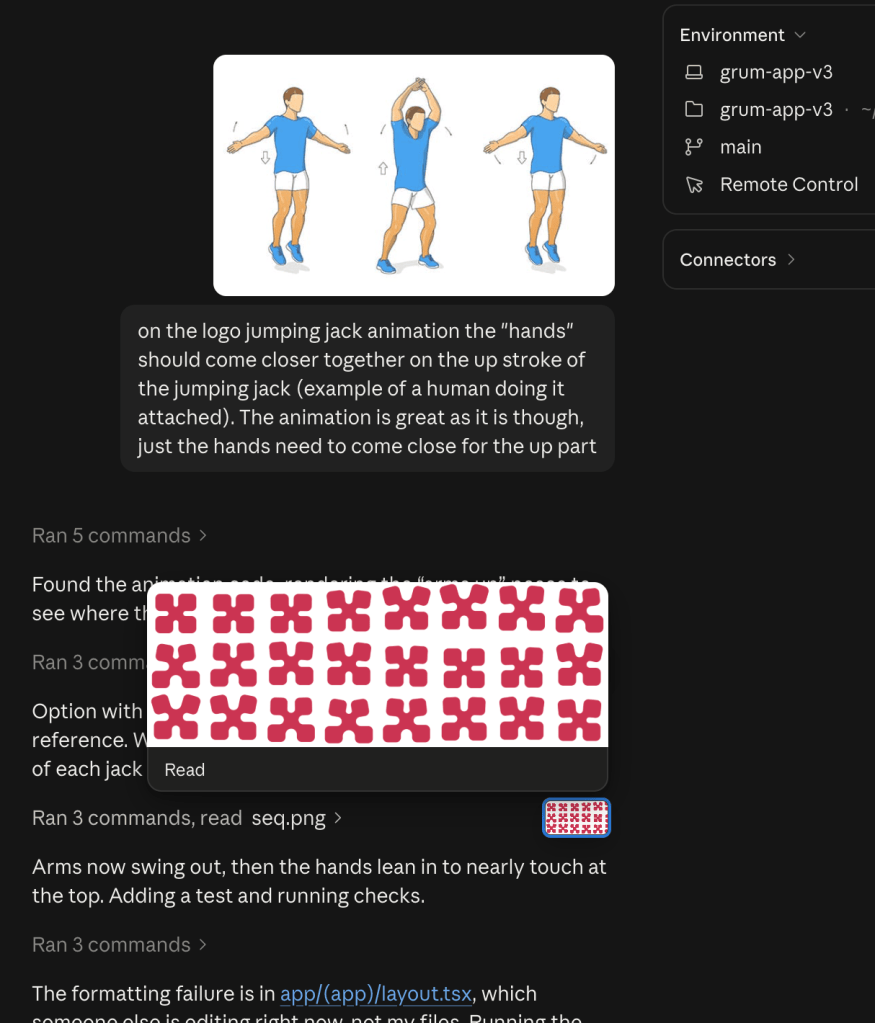
That memory came to mind when I tried to create a jumping-jack animation but wasn’t quite getting the nuances I wanted. Instead of trying to draw or verbalize what I meant in a storyboard, I showed the agent a human reference so it could understand the nuances I wanted to capture in the movement.
Unlocking words
That was much easier than describing the change in another prompt. I also found that a broad direction like “give it life” could lead to subtle movements I might not have thought to specify.
Claude’s animation work clicked for me. Codex’s did not. The experiment reminded me how much I could contribute with visual references and an understanding of movement, even without being an expert. The agent created possibilities, and the storyboard gave me a way to direct them.

